

nxtomomill h52nx (bliss-HDF5)#
Behavior#
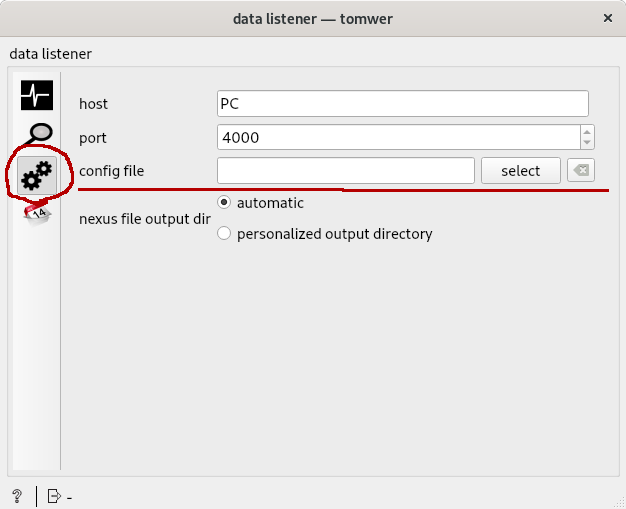
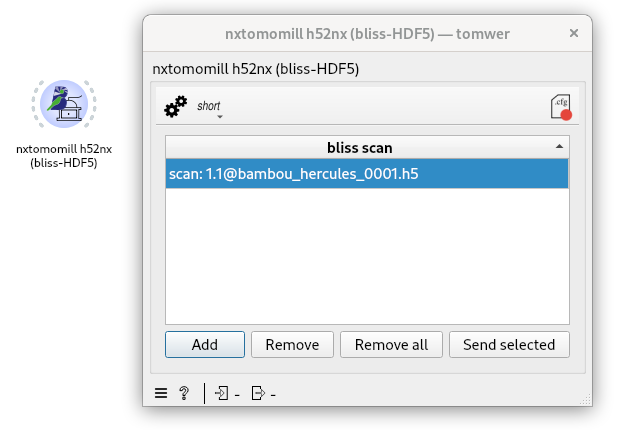
This widget allows loading data from bliss-HDF5 and converting them to Nexus (NXTomo) format, still using the HDF5 format.
Note
The datalistener will also make a direct call to nxtomomill h52nx
To add new file(s) to be converted you can either:
click on the “Add” button. This will open a dialog and allow you to select the file you want.
drag / drop the file you want to convert
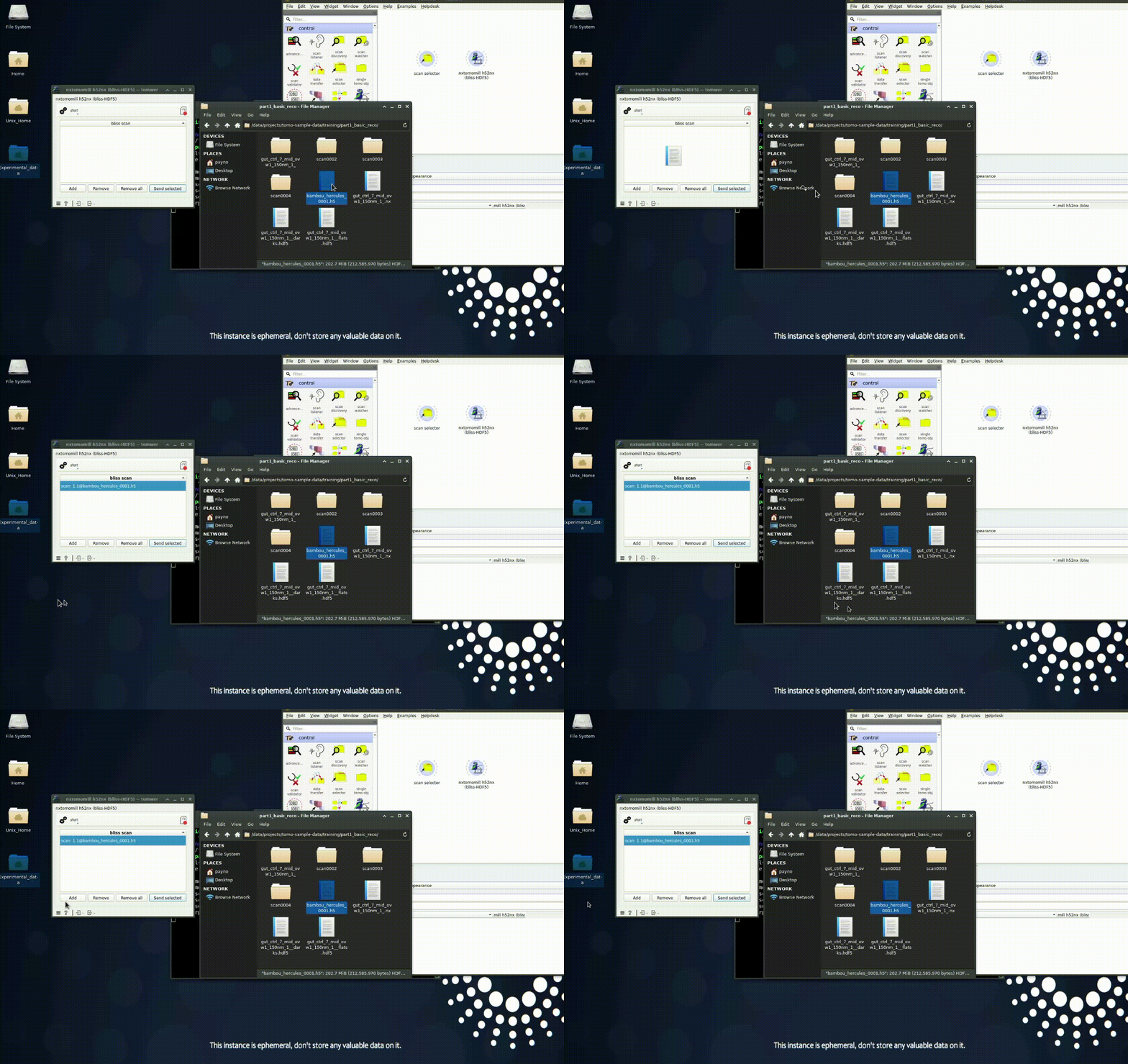
copy / paste a list of files as a string (result of a ls command for example)
Providing a configuration file for conversion#
Today there is two widgets that can call nxtomomill: the datalistener and the nxtomomill widgets.
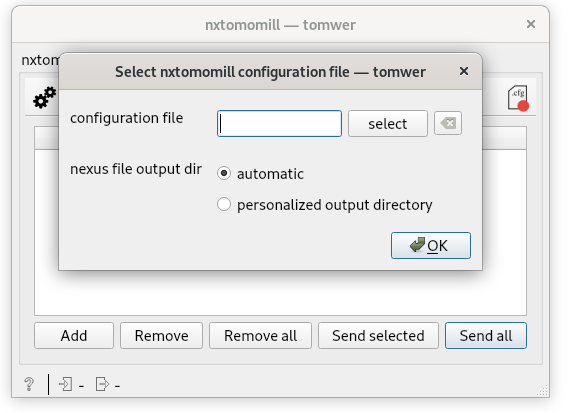
You can define this from the configuration menu
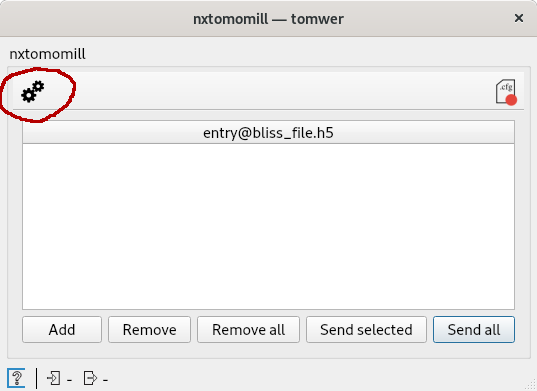
Then select a configuration file
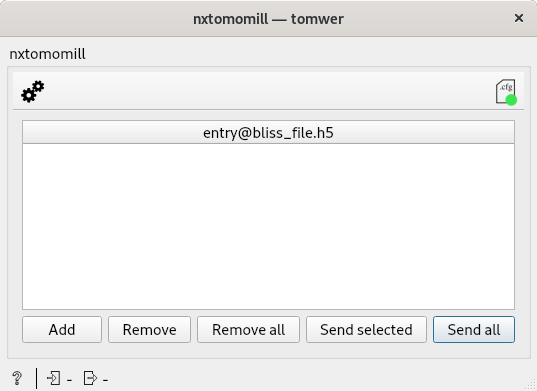
When a configuration file is active then we notify it by a “green point”
Note
You can do the same from the data listener as well: