

volume viewer#
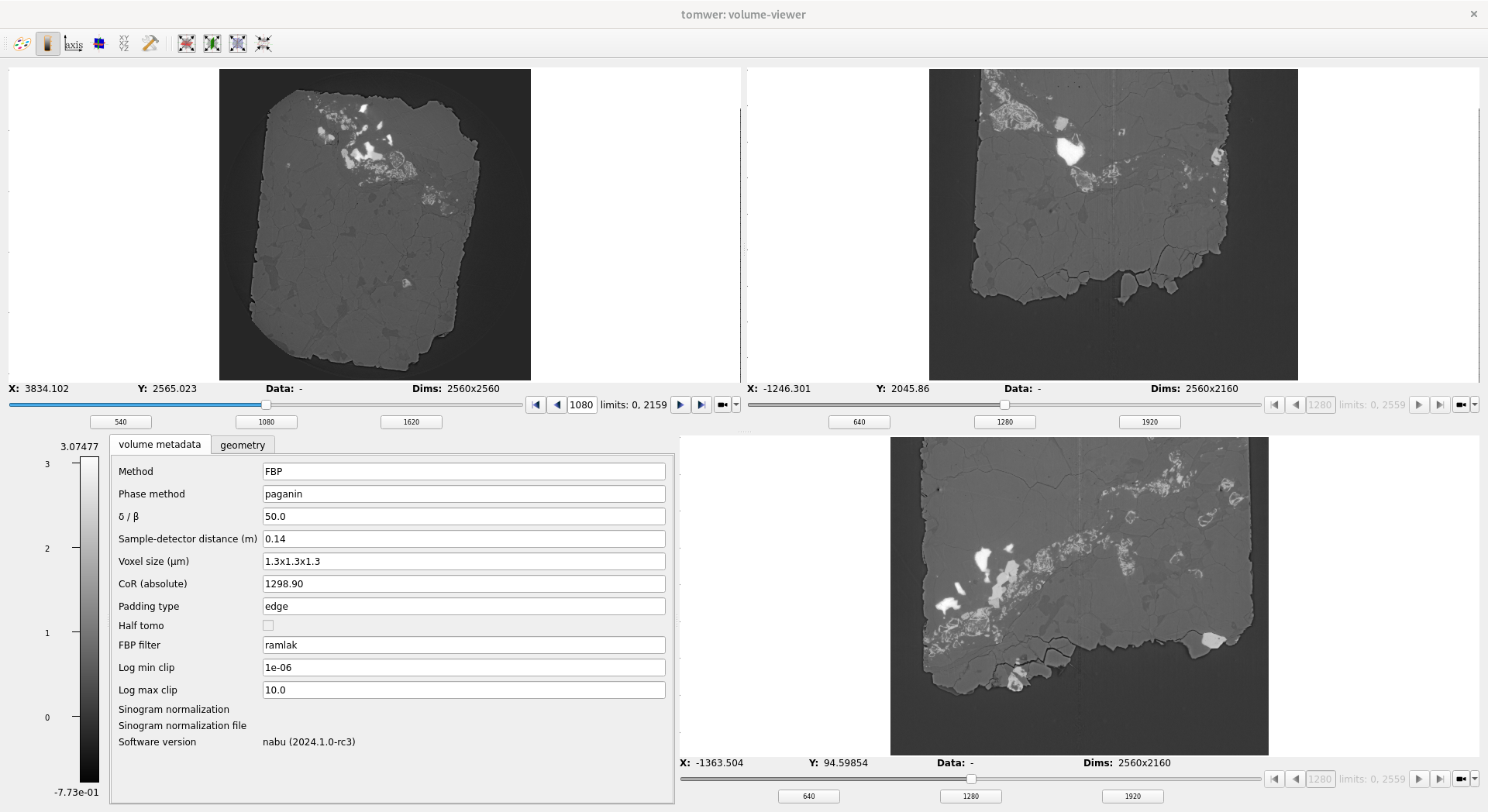
The aim of this widget is to allow users browsing a reconstructed volume.
Two modes exists: loading the full volume in memory or not.
when not loading the full volume memory then you will be able to:
browse slices along the fast axis (aka axis 0 or axis Z)
display one of the sampled slice along any of the three axis
When loading the full volume, browsing become possible along any axis.
You can choose to have the view of the three axis side by side or to select only one.
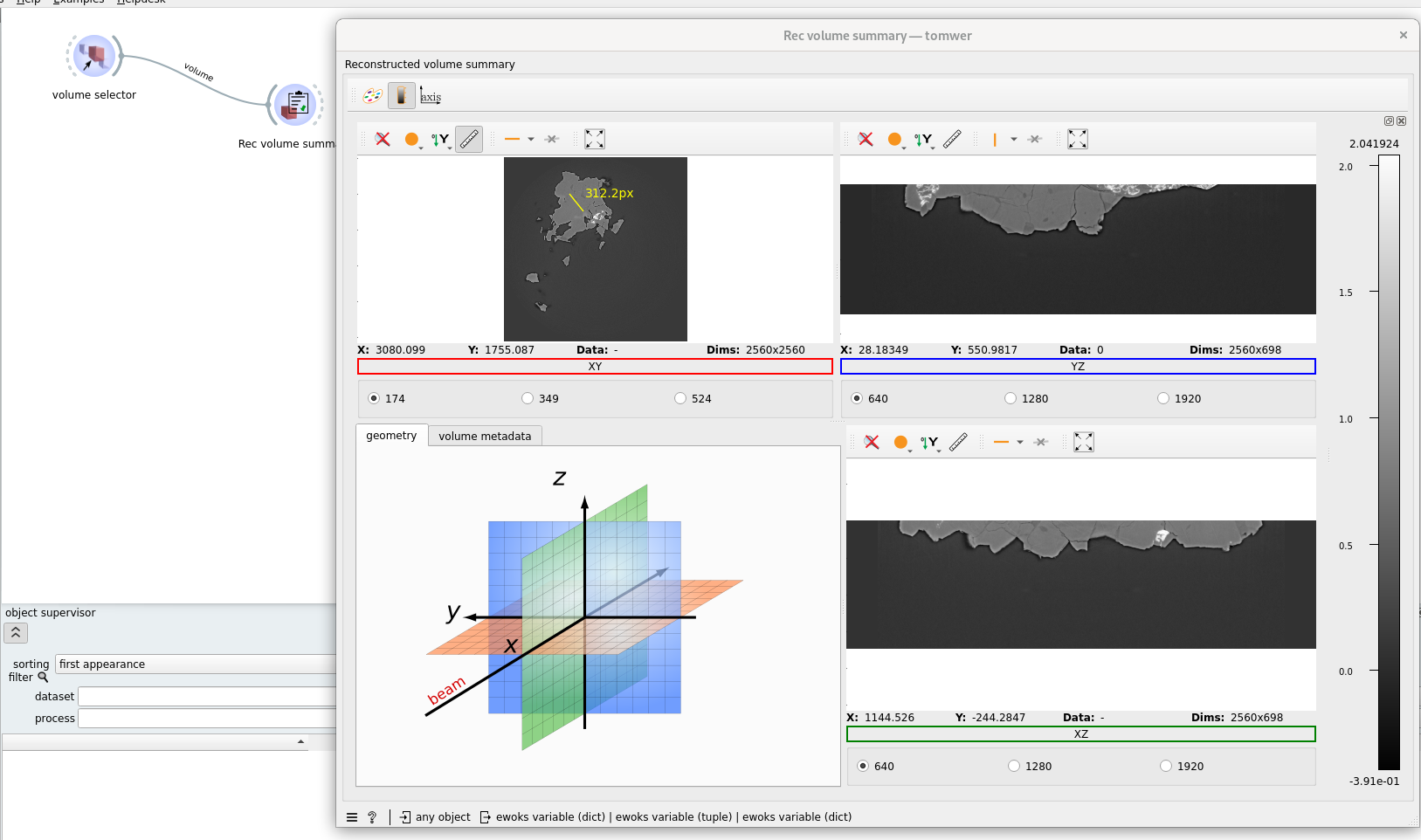
When displaying the three views side by side you can also access a short summary of the reconstructed volume.
On the fly browsing#
You can use sliders to browse along the full volume. In the case the full volume is not in memory it can happen that loading takes some time. Like if several reader try to access the same resources.
Until the frame is loading the previous frame will not be cleared to avoid blinks. But until the image is not loaded a small red dot will appear on the top right corner.
Focus on plot tools#
 Toggle name of views.
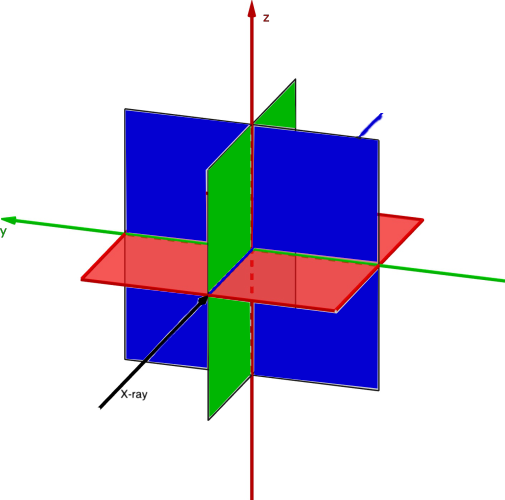 Toggle Coordinate System Overlay.
 Toggle plots individual toobars.
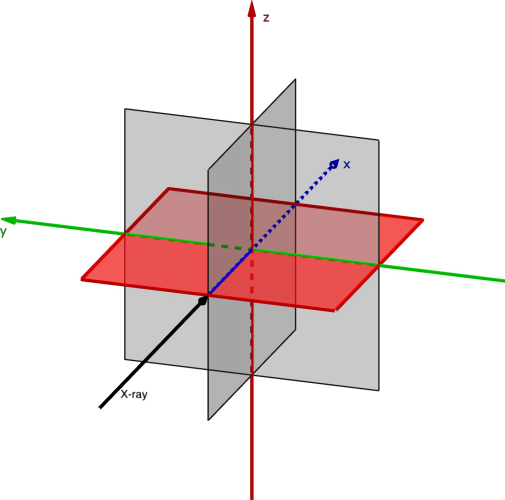 Display only XY view.
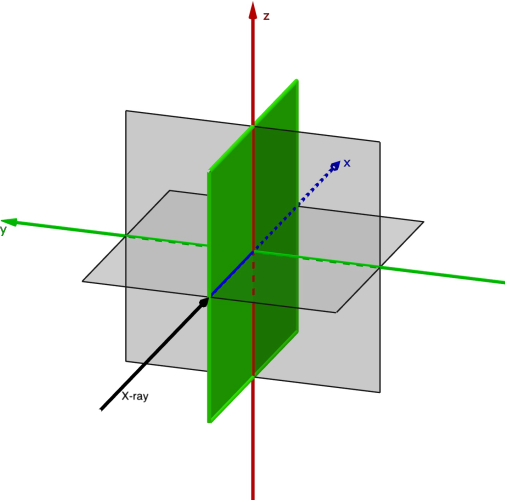 Display only XZ view.
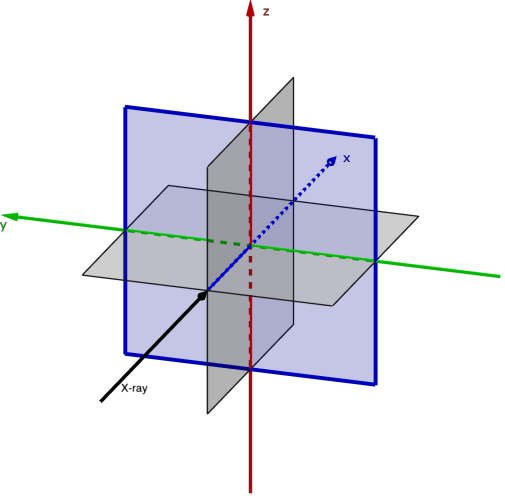 Display only YZ view.
More tools#
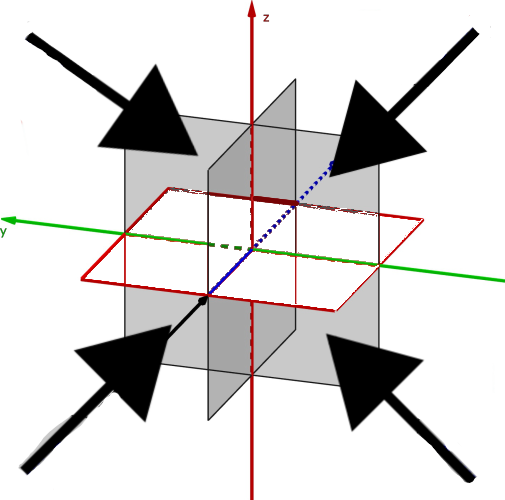 Display the three views at the same time.
 Display the image in full screen (into a dedicated window)
 Show distances between two points, either in metric units (if the voxel size is known) or in pixels.
 Toggle the color bar visibility. Note: The colormap values (min, max) are computed over all displayed slices.
 Retrieve a profile over a line (one or more pixels wide).
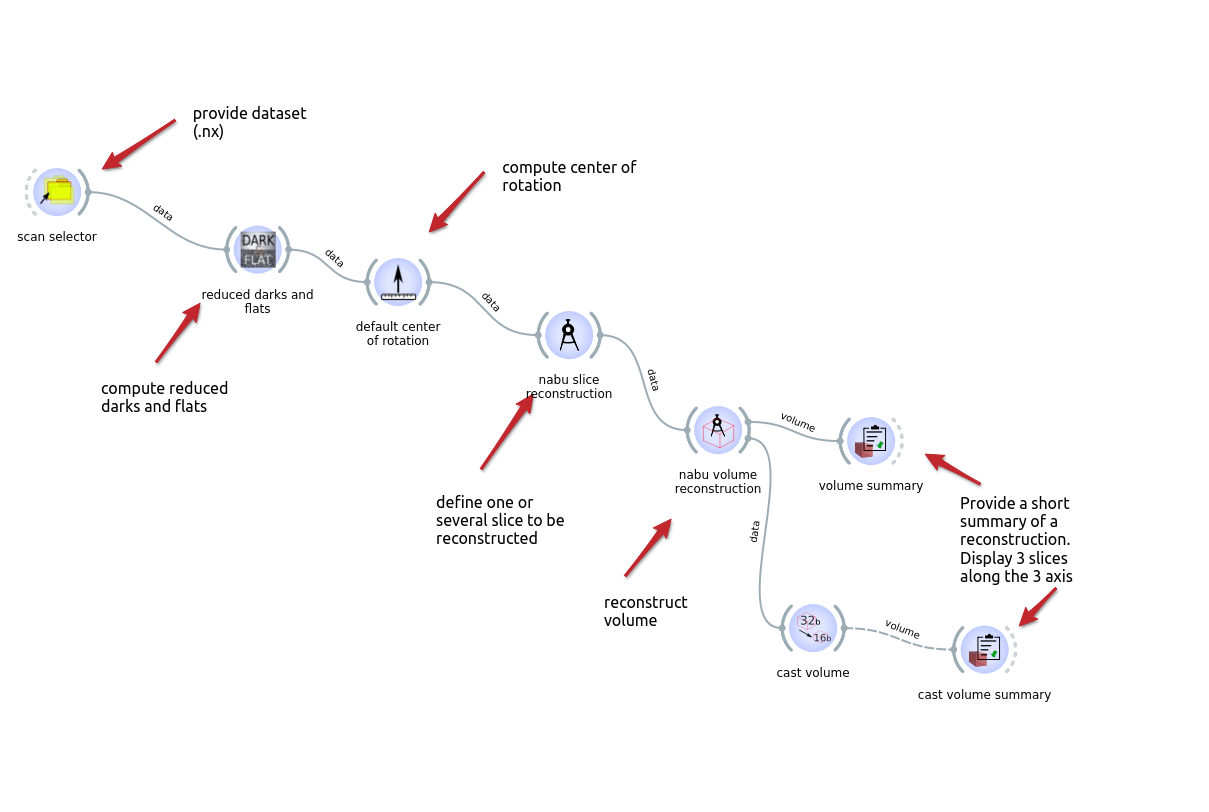
The input is a volume which can be generated by nabu volume reconstruction or cast volume, or any recognized volume using the volume selector.
Warning
Today the extraction of slices is done in post-processing. So this step can take some time as we might need to re-read the full volume.
Example workflows#
Linked with a volume reconstruction and to a cast volume#
Linked with a volume selector#